
Assignments and teams
Prepare the work, share an invitation and follow submissions in GradePush.
1. Prepare the assignment
- In your classroom, select New assignment.
- Give the assignment a title and write the instructions.
- Choose the work mode and configure a starter repository if needed.
- Add any tests and deadline, then save.
- Individual: one repository per student.
- Team: one shared repository per team. Students create or join a team according to your settings.
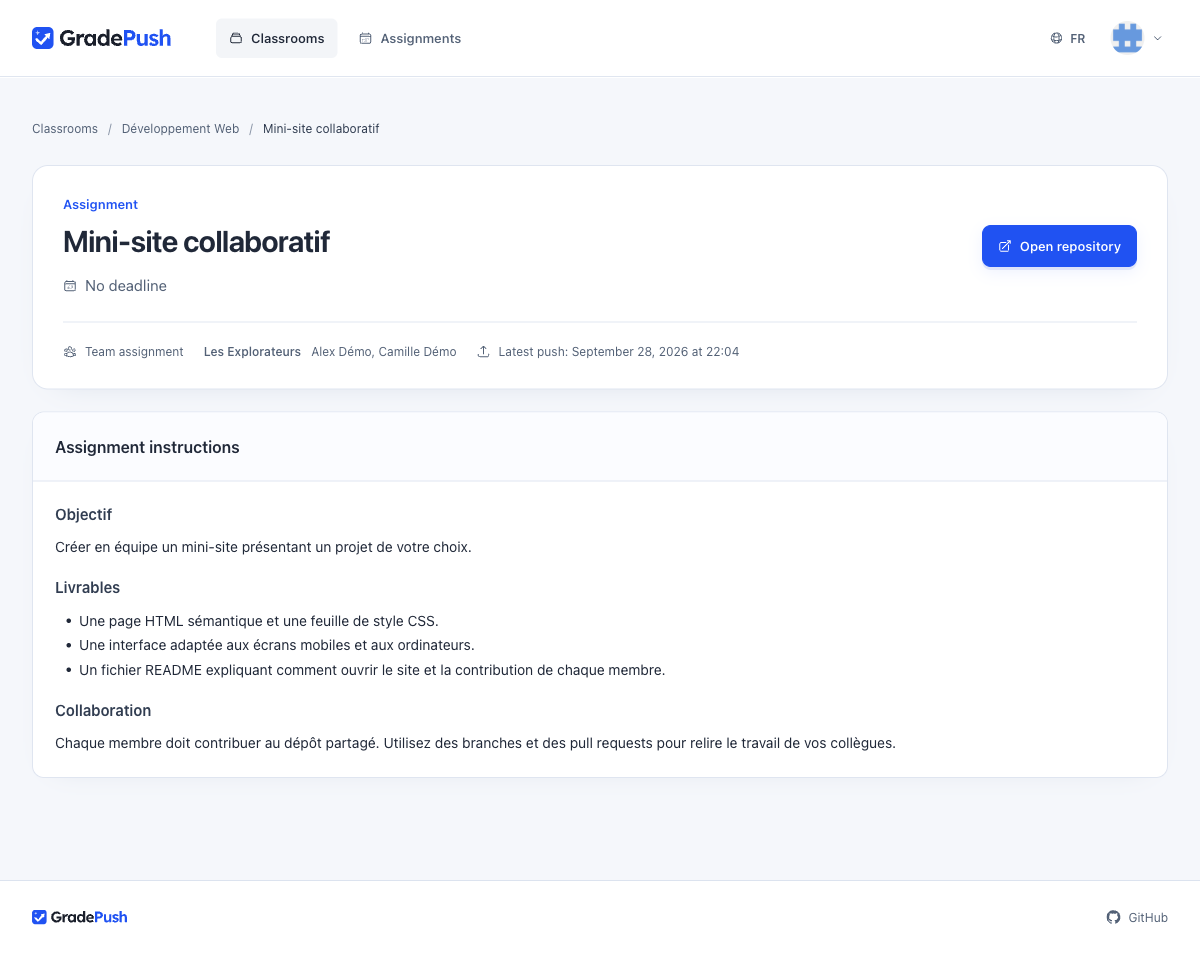
2. Invite students
- Open the assignment and select Share assignment.
- Send the link to your students. They join the classroom when they accept the assignment.
3. Follow submissions
- Open Submissions to see acceptances, recent pushes and test scores.
- Select Repository to review the code on GitHub.
- Select Export CSV to download the report.

To download all repositories, use the CLI.
Manage deadlines
- The due date helps you track late work.
- A hard cutoff removes write access after the deadline. A GitHub outage can delay this removal.
- Grant an extension to a student or team from the submissions view.