
For students
Join your classroom and find your assignments with your GitHub account.
1. Join your classroom
- Open your teacher’s invitation.
- Sign in with GitHub and enter your name and student ID if requested.
- Accept the assignment. For team work, create or join your team as instructed.
2. Complete the assignment
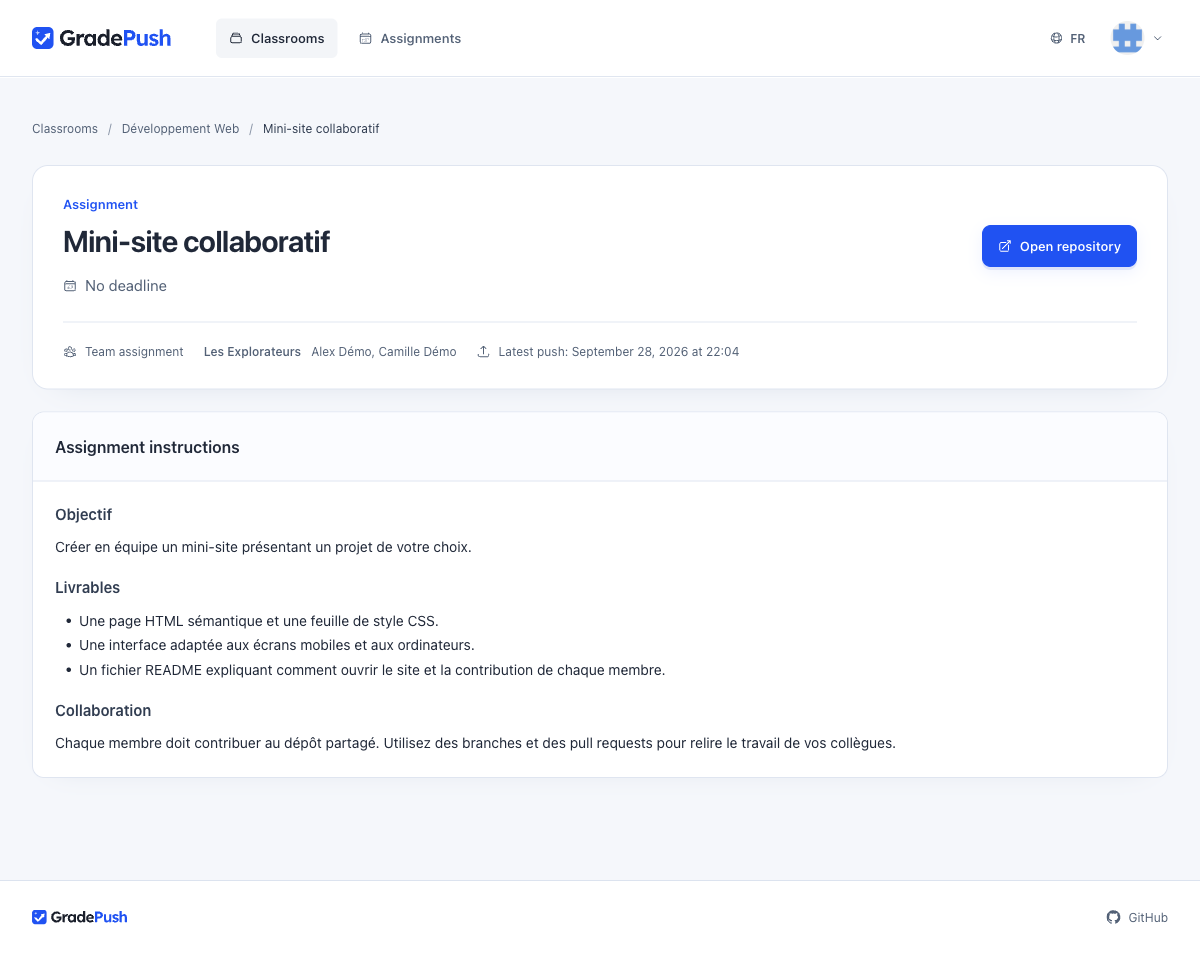
- Open the assignment and read the instructions.
- Select Open repository, then clone it with Git or your editor.
- Do your work, create a commit and push it to the required branch.
- Check that your commit appears on GitHub before the deadline.
3. Check your results
- Return to the assignment in GradePush after pushing your work.
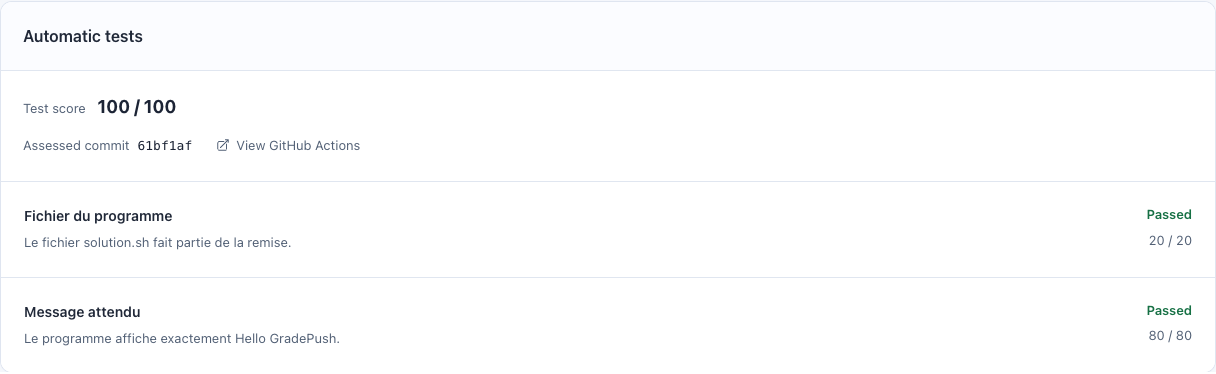
- Check the results once the automatic tests finish.
- Select View GitHub Actions to investigate a failure.
Need more time? Contact your teacher to request an extension.