
Tests and feedback
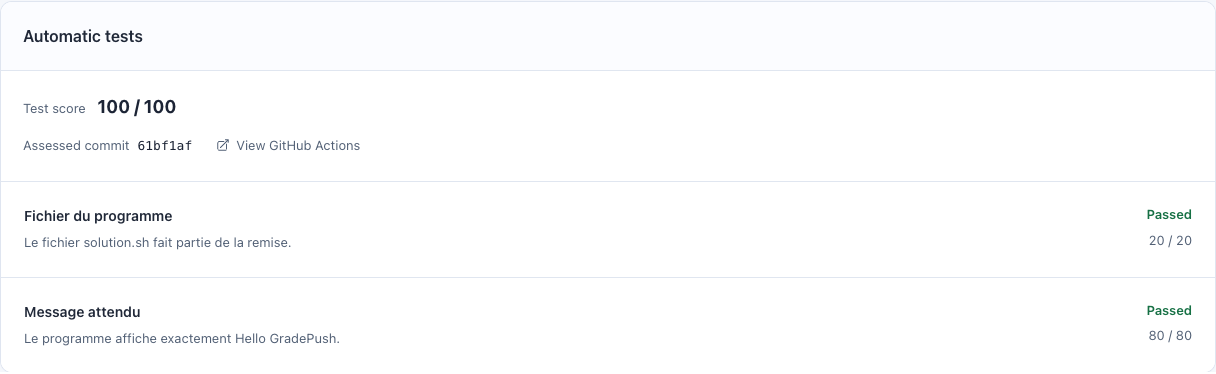
See GitHub Actions results directly alongside submissions in GradePush.
1. Configure tests
- Enable automatic tests in the assignment.
- Set the tests, their points and execution timeouts.
- Check that GitHub Actions is enabled for your organization’s repositories.
- Try the tests on a sample solution before sharing the assignment.
2. Review results
- Open a submission’s results after its GitHub Actions run finishes.
- Check the assessed commit and the points earned for each test.
- Open View GitHub Actions to read the logs for a failing test.
3. Give feedback
Open the repository from GradePush to review the code and leave comments on GitHub.
Tests use GitHub Actions; their cost depends on your organization’s plan. If results do not arrive, see troubleshooting.